Desktop time companion
Select the right employment, start and stop tracking, and keep desktop time connected to your work. A focused macOS interface puts the session controls within reach.
How it fits your working day
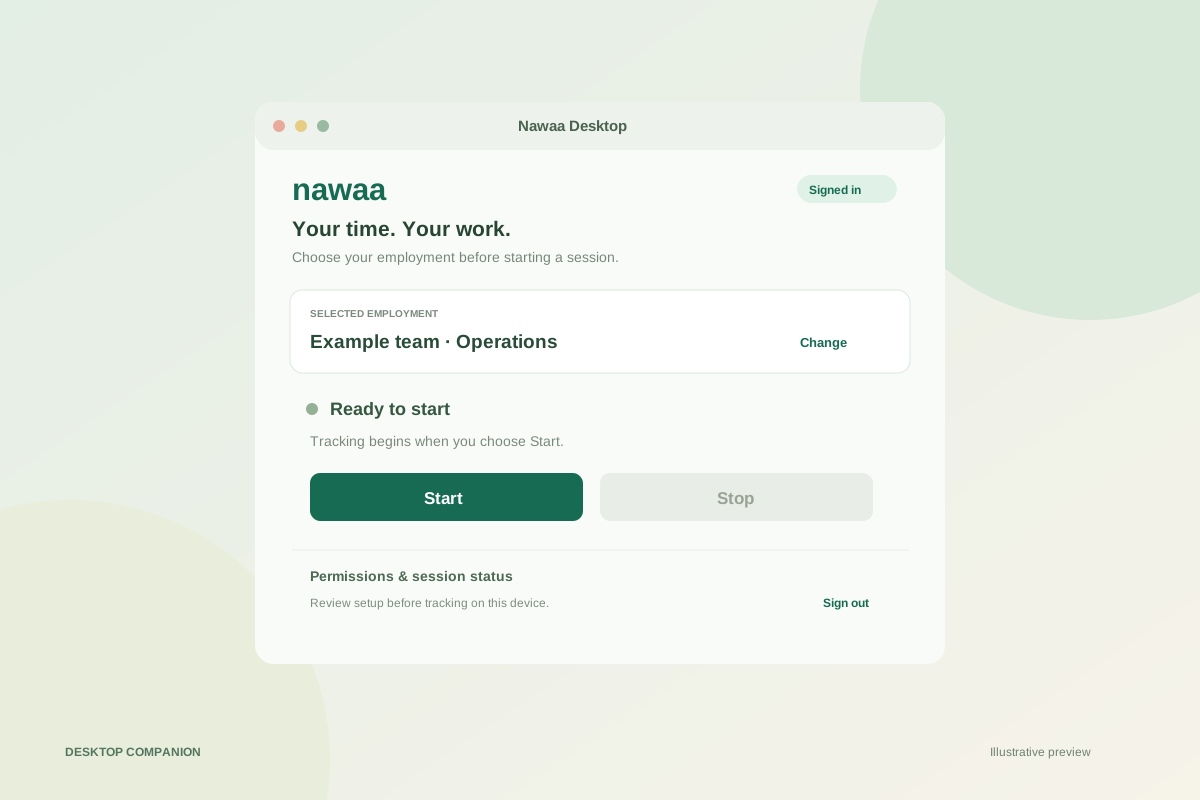
The macOS preview provides native sign-in, account and employment selection, and Start/Stop controls. Signed-in status and session instructions keep it clear which employment the desktop session belongs to. Switching accounts or signing out is explicit.
The app includes permission guidance and session/report controls. Tracking starts with Start and stops with Stop or Quit. Activity capabilities depend on server support and operating-system permissions; requesting an OS permission does not mean it has been granted.
Sign in → select employment → review permission status → start a session → stop when work is finished.
Start free with up to 5 employees
No credit card required